
How Therapify works
A Therapify session is a private conversation with an AI therapist you choose, by text or voice, whenever you need it. Here is the whole flow, from install to your second session.
-
1
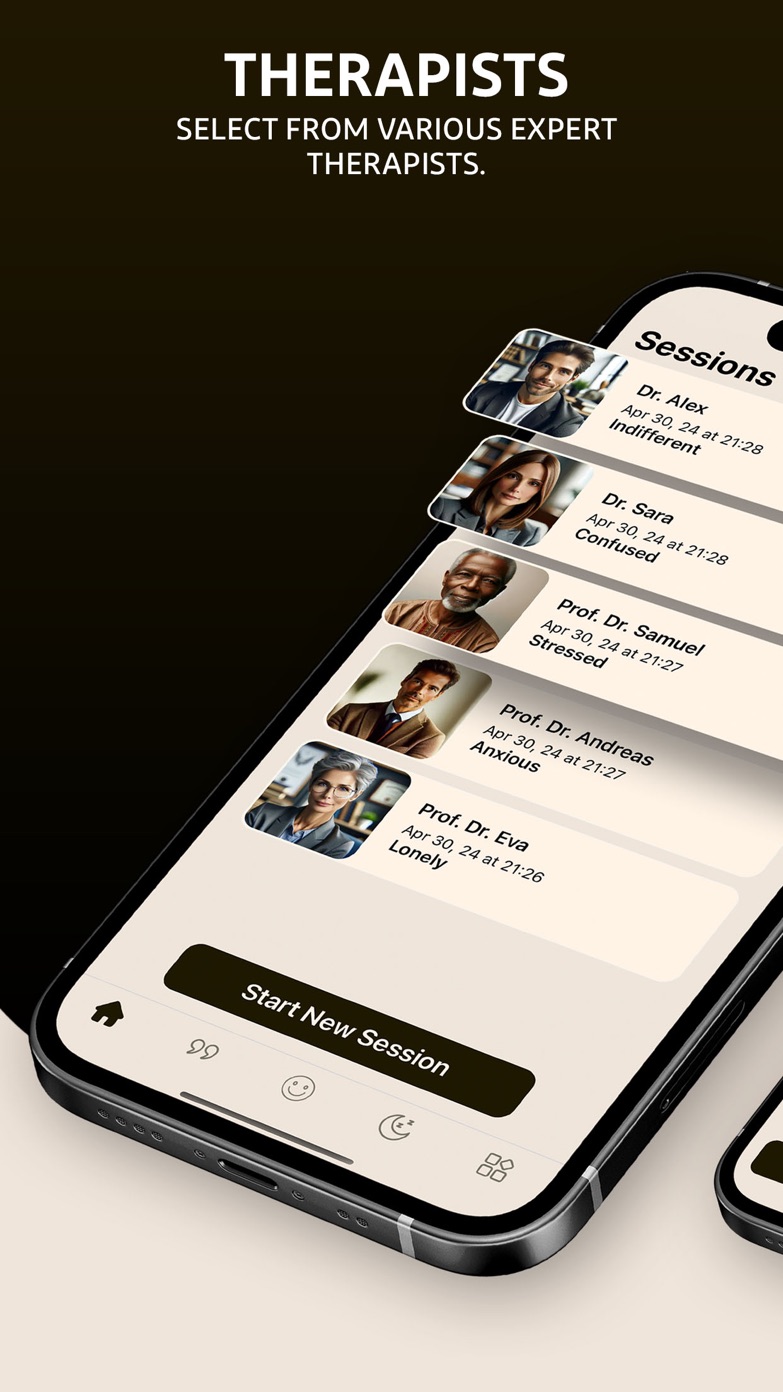
Choose the therapist that feels right
Pick from several AI therapists with different specialties and communication styles, for example stress, anxiety, relationships or self-esteem. You can switch at any time.
-
2
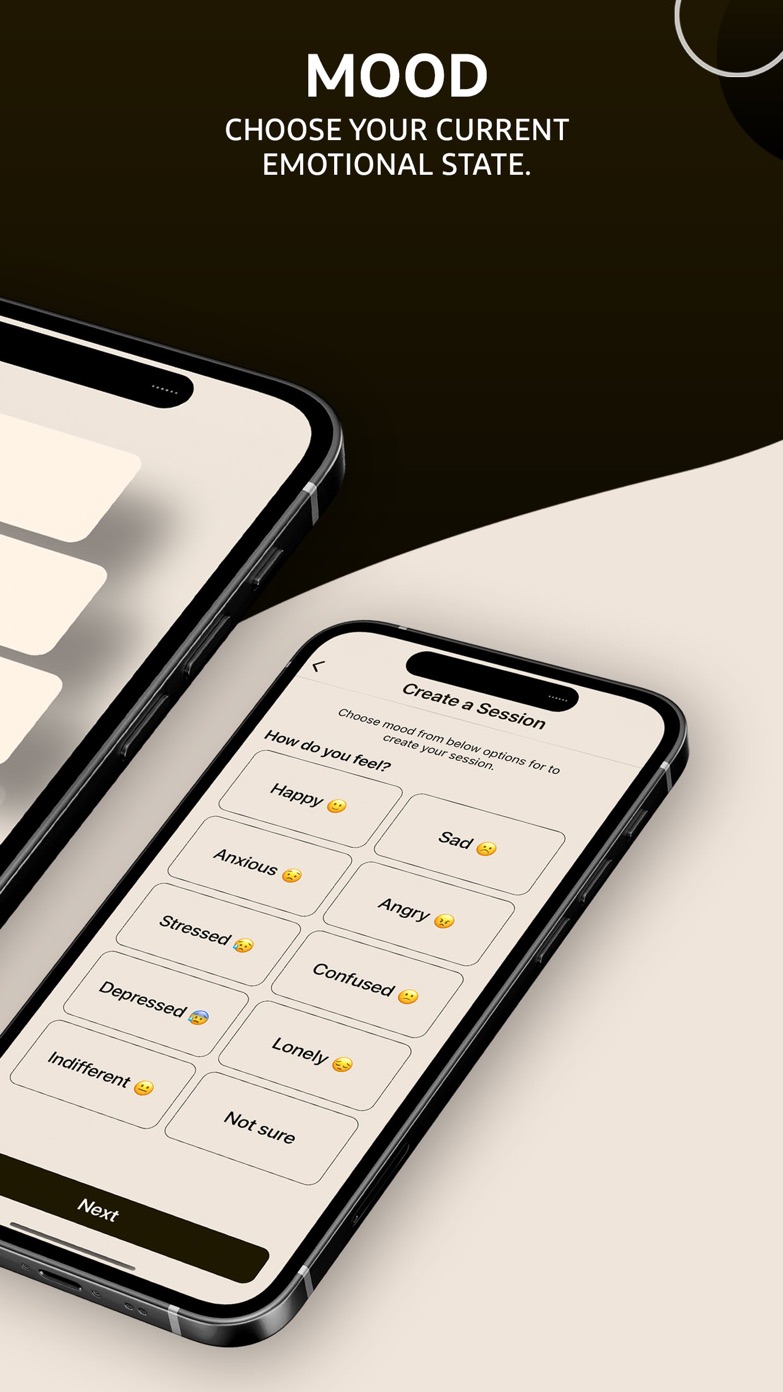
Say how you feel right now
Start a session by choosing your current mood. It gives the therapist context before you write a single word.
-
3
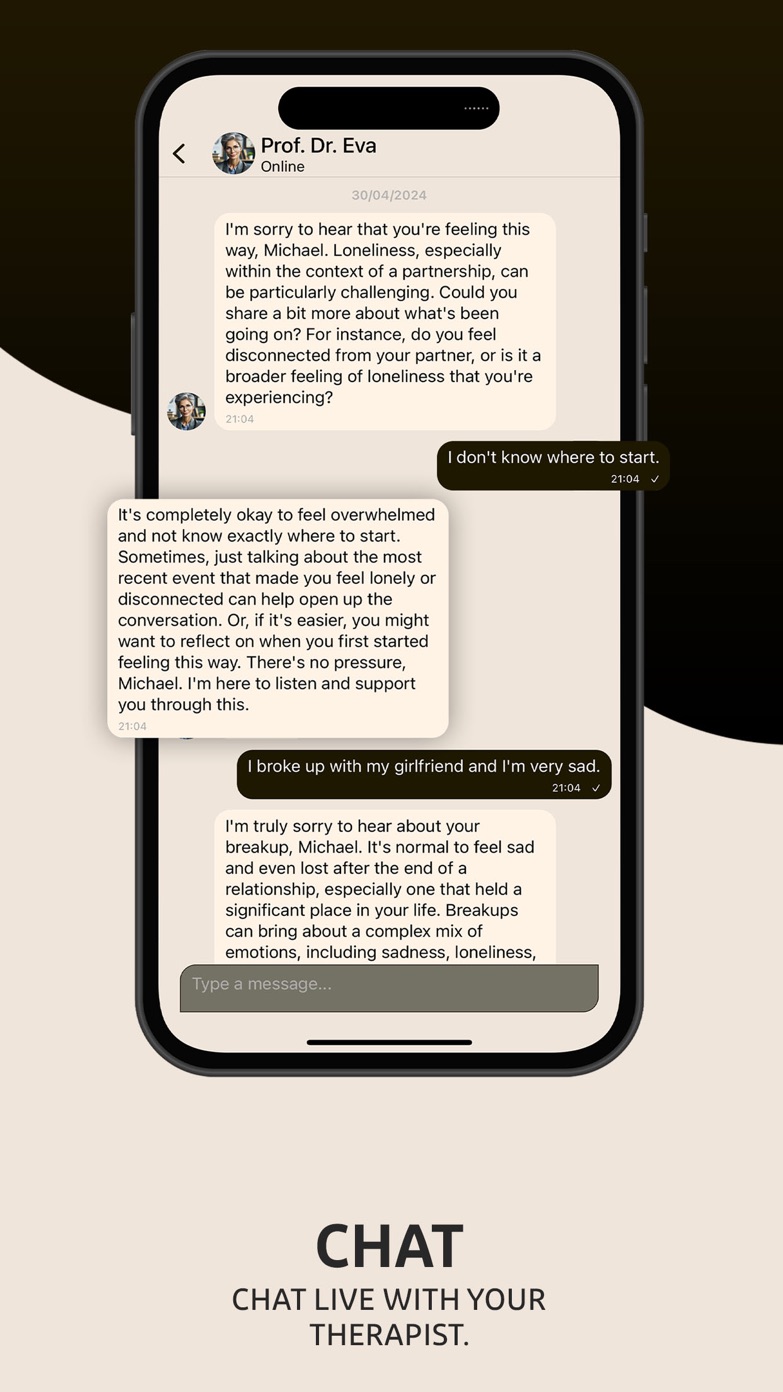
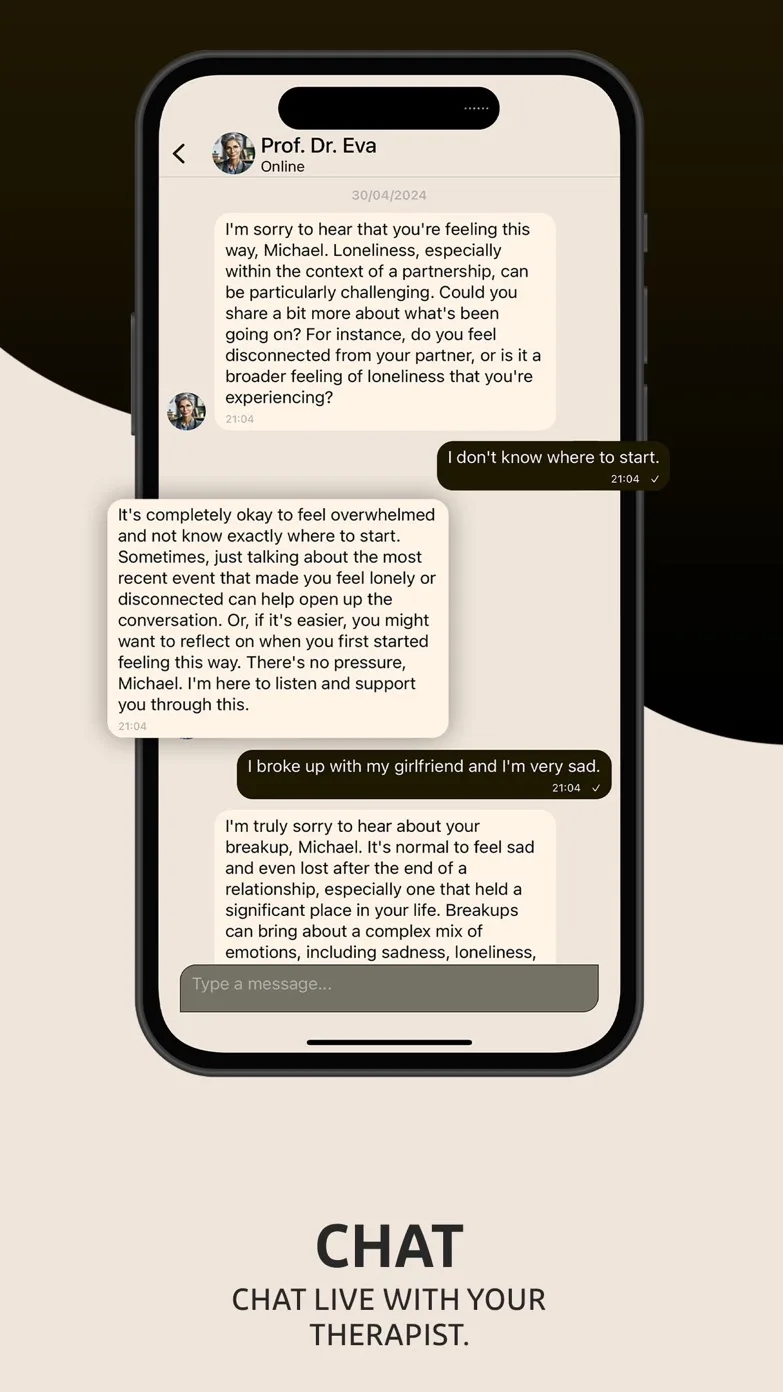
Talk by text or by voice
Write at your own pace or hold the microphone to send a voice message. The therapist answers in seconds, in text or as a spoken reply, and picks up where you left off next time.


What happens after your first session
After a few messages Therapify writes a short summary of the session: the themes you talked about, what you agreed to try, and what you wanted to come back to. Your next session, with the same therapist or a different one, starts with that memory, so you never repeat yourself.
Voice messages
Tap the microphone in the chat to record a voice message. The recording is transcribed for the therapist, and if you enable voice replies the answer comes back as a spoken message with a transcript you can expand. Everything works one-handed, like a messenger.
Reminders on your terms
During setup you choose how often you want to talk: daily, a few times a week, weekly, every two weeks or monthly. Therapify sends a short, personalised reminder at the time you pick, and never when you have just been in the app. You can change the time or switch reminders off in the menu.
Between sessions
Calming soundscapes and a fresh daily quote live next to your sessions for the moments you want to unwind rather than talk.